
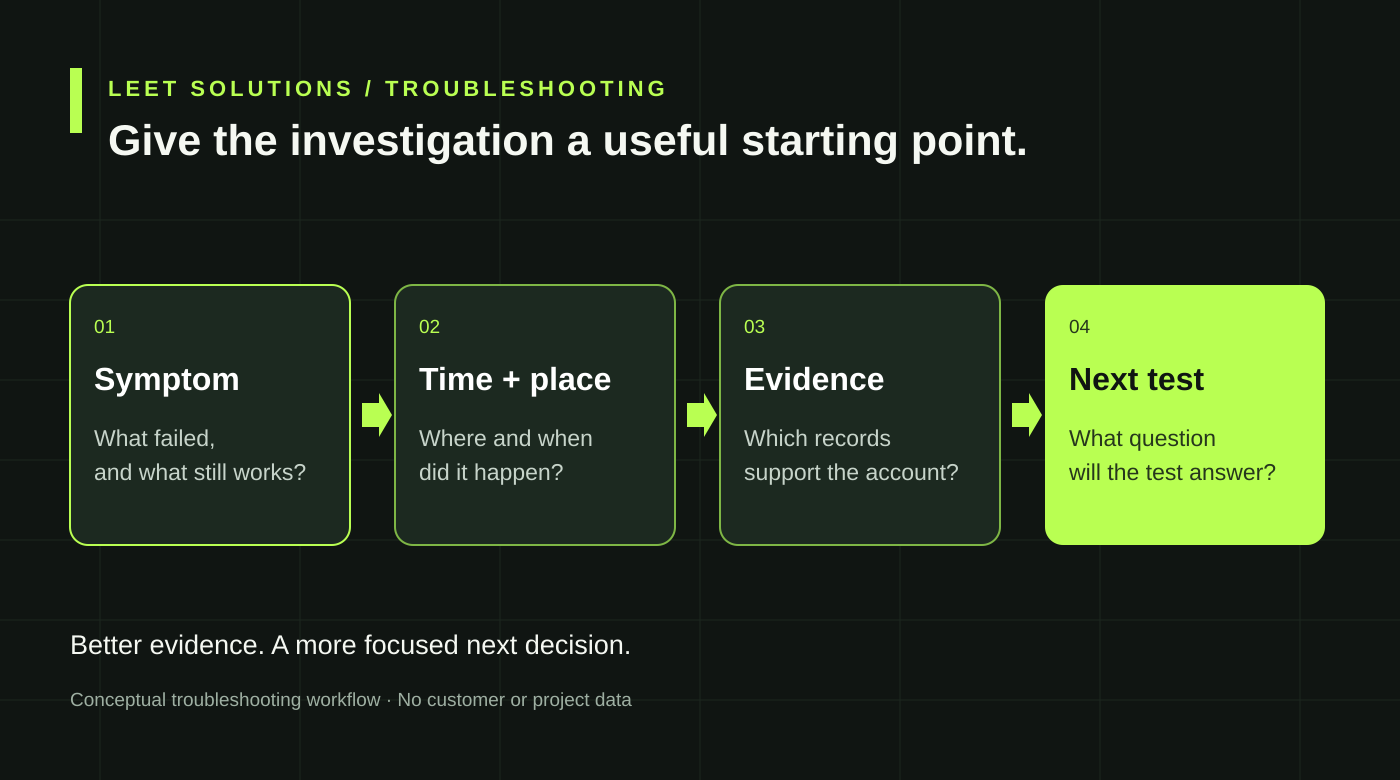
“The Wi-Fi is bad” is a perfectly understandable complaint. It is a less useful purchase specification.
Before approving more access points or commissioning an investigation, turn that complaint into a short incident brief. Describe what failed, when it failed and who could still work. That evidence helps the engineering team choose the right investigation instead of arriving with a favorite explanation and looking for somewhere to install it.
This is a practical preparation guide for IT managers, MSPs and project owners. It does not diagnose your network or require users to change security settings.
Describe the failure without naming its cause
Start with the task the user could not complete. Could the device see the network? Did it refuse to connect? Did it connect but fail to open an application? Was a call interrupted while the person moved, or was a stationary download simply slow?
Preserve the actual error text where possible. “Could not resolve server name” and “incorrect password” deserve different follow-up questions, even if both arrive at the help desk under the same Wi-Fi category.
Record the business impact separately: interrupted transactions, delayed training or a recurring inconvenience. That helps prioritize the investigation without exaggerating the technical finding. A frustrating incident can be urgent while its cause remains unknown.
Give the evidence a time and a place
Capture the date, time, time zone, approximate duration and location. Include whether the device was stationary or moving, the network name selected and the affected device model. For managed equipment, ask the support team to record relevant operating-system and wireless-driver versions.
Keep a small incident log rather than an unstructured pile of screenshots. One useful row might say: “Training room, 10:14–10:18 local time, laptop connected, learning portal timed out, adjacent laptop continued working.” That is an illustrative entry, not a customer incident.
Mark approximate times honestly. A timestamp accurate to the minute is more useful than a confidently invented second. Ask the network team to account for differences between device and infrastructure clocks before correlating events.
Identify the last step that succeeded
A usable application depends on more than radio association. Authentication, address assignment, name resolution and the application path can each matter. Cisco Meraki’s Network Service Health documentation specifically tracks RADIUS, DHCP and DNS because those services affect wireless connectivity and experience.
Ask the engineer to identify which stage the evidence reaches. “Associated with an AP” does not establish that the device obtained the intended network access or completed an application transaction. Equally, an application timeout alone does not establish a radio fault.
Cisco’s DHCP troubleshooting guide describes different traffic paths for different deployment modes. A useful investigation follows the actual architecture. It should not assume the address-assignment path from a diagram found in another project.
Make comparisons that narrow the question
Record what still works under comparable conditions. Is the problem limited to one device model, one application, one area or one time period? Does another authorized device on the same network complete the same task at the same time?
A comparison is a clue, not a verdict. A wired device may traverse a different policy or path. A phone using cellular data may reach a different service endpoint. Record those differences instead of declaring the WLAN innocent or guilty from one convenient test.
Avoid changing several things before recording the result. If a device moves rooms, changes networks and restarts its application, a subsequent success does not reveal which change mattered. Agree on a small, repeatable comparison with the support team and keep the original symptom in view.
Preserve the right records safely
Ask the authorized administrator what records exist for the incident window and how long they are retained. Client events, infrastructure logs and application observations may need to be correlated. Do not assume yesterday’s detailed evidence will remain available indefinitely.
Cisco Meraki’s event-log reference separates association, authentication, DHCP and DNS-related events. These categories help organize an investigation; an isolated log message still needs context before it becomes a root-cause conclusion.
For Windows devices, Microsoft documents a wireless network report that can help an authorized support team review connection history and diagnostic information. Let that team decide whether collecting it is appropriate. Review diagnostic exports before sharing because they can contain device, user and network details.
Never paste passwords, private keys or unrestricted configuration exports into a public support request. Packet captures and diagnostic collections need an agreed purpose, scope and secure transfer method. Disabling authentication, certificate checks or protective controls is not a sensible shortcut for preparing a brief.
Commission the next decision, not an unlimited hunt
A good initial scope states the symptom, affected service, available evidence and the decision the investigation should support. Ask what can be established remotely, what needs field measurements and what would justify additional testing.
Agree how findings will distinguish confirmed evidence from hypotheses. Request a prioritized next step where the cause remains unresolved. “We need a targeted capture during the failure” can be a useful result if the report explains why, who will collect it and what question it answers.
Define what improvement will look like in the affected workflow, then arrange an appropriate recheck. One successful test after a change is encouraging; it may not represent the conditions that originally produced an intermittent failure.
Start with a concise brief
Leet Solutions provides wireless validation, troubleshooting and independent engineering review. Active and roaming tests require a separately agreed scope. Begin with a general description of the incident and the records available; arrange authorized file transfer after the scope is understood.
Discuss a wireless investigation. If the concern is performance during busy periods, our client-capacity guide can help organize workload assumptions. Better evidence makes the next engineering decision easier, even when the first useful purchase turns out to be no new hardware at all.