
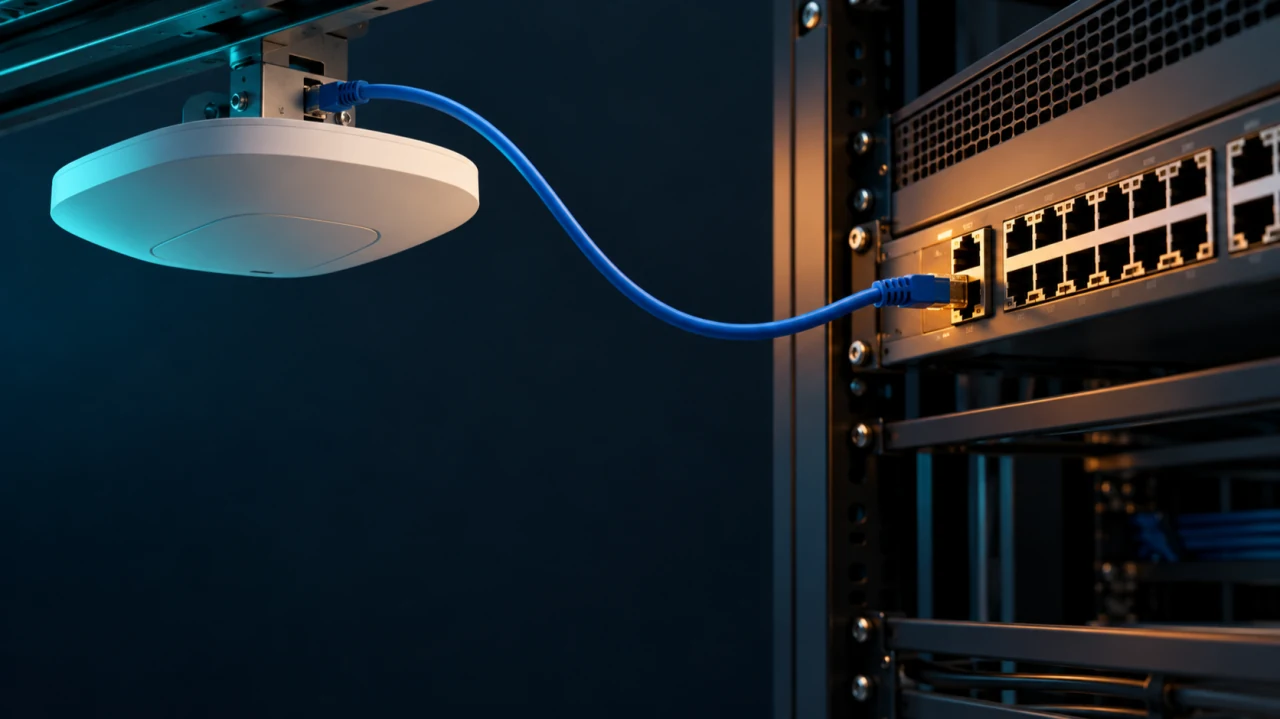
An access point coming online is a very low bar for declaring a wireless upgrade successful.
It proves that something booted. It does not prove that every intended radio, Ethernet interface, spatial stream, or peripheral is operating in the mode the design assumed. The dashboard can show a reachable AP while the equipment on the ceiling is making concessions nobody included in the capacity plan.
That is where a wired power decision quietly becomes a wireless design problem.
PoE belongs in the RF design review
An AP selection usually gets a careful discussion about bands, antennas, client capabilities, and mounting geometry. The switch discussion sometimes ends at “the ports have PoE.” That sentence leaves a remarkable amount of engineering unfinished.
The useful question is whether the installed power path supports the required operating mode of the exact AP model, with its planned features enabled. A compatible connector and a successful boot do not answer it.
Start with the manufacturer's power table rather than a family name or a marketing generation. Read the restrictions alongside the maximum consumption. Then record which restrictions the design can tolerate. A disabled USB port may be irrelevant. A disabled serving radio is a rather more ambitious change request.
Cisco's Catalyst 9166 data sheet provides a useful example: its 802.3at operating table retains the three 4x4 serving radios and 5 Gbps link but disables USB. Its 802.3af entry is for staging, with the radios off. Those are very different outcomes under the broad label “the AP accepts PoE.” [1]
This example also keeps the discussion honest. Lower power does not automatically mean fewer spatial streams on every AP. The consequence depends on the hardware and operating mode. Copying one platform's restriction into another platform's acceptance checklist is how a useful rule becomes folklore.
Read the restriction before diagnosing the symptom
A power limitation can affect wireless service in several ways, and the documentation needs to identify which ones actually apply.
Juniper's model-specific PoE requirements describe AP32 and AP33 operation at 802.3af with the 5 GHz radio reduced from 4x4 to 2x2, Ethernet limited to 1 Gbps, and the secondary Ethernet port disabled. Other models have different requirements. That is a concrete reason to check the model table rather than assume a vendor-wide fallback behavior. [2]
A reduction in AP radio capability does not translate into a universal percentage loss in application performance. Client stream counts, traffic direction, contention, RF conditions, and the workload still matter. A two-stream client does not suddenly become a four-stream client because the AP has four chains. Equally, a design assumption about the AP's capabilities should not disappear without being evaluated.
The engineering task is to connect the documented restriction to the service requirement. Which band is needed? Which clients use it? What does the application need under load? Does the installed AP still provide the capabilities used in the design and validation?
Do that before changing channel widths, increasing transmit power, or turning a roaming complaint into an afternoon of speculative tuning. A power warning deserves investigation before the RF plan gets volunteered as the culprit.
Available, allocated, and consumed are different questions
The switch port capability is only the beginning of the power path. The AP must receive the power it needs through the installed switch, configuration, cabling, and any injector in between.
Keep several observations separate: what the port can provide, what the AP requests, what the switch grants, what the switch reserves from its budget, and what the AP is consuming when observed. A single instantaneous consumption value does not establish that the intended operating mode is supported through every relevant condition.
Likewise, a switch with capable individual ports still needs a sufficient aggregate budget for the connected equipment. Port count is not a power calculation. Treat the normal operating condition and the intended failure condition as separate design cases.
As a simple planning example, 24 APs each assigned a 30 W allowance represent 720 W before considering the rest of the powered inventory. That arithmetic is illustrative; it is not a recommendation to reserve 30 W for every AP. Use the actual platform's accounting method, documented requirements, and available system budget.
Then ask what happens when the power system loses the component the design says it can survive. The answer should come from the installed switch's documented behavior and a controlled acceptance test. Two power supplies on a bill of materials do not, by themselves, establish the surviving PoE budget.
Negotiation is part of the installation
A capable power source can still be paired with an AP that reports insufficient power. That calls for checking the negotiation path rather than assuming the switch hardware must be replaced.
Juniper's insufficient-power troubleshooting guidance points to LLDP and power assignment as checks when an AP is not receiving enough power. Its model requirements explain that hardware detection and LLDP can both participate in determining the power available to the device. [2][3]
That does not make “enable LLDP” a universal diagnosis. It makes negotiation one of the things to verify against the exact AP and switch documentation. Confirm the relevant protocol configuration, reported request and grant, configured port limits, and any alarms. Compare the switch view with the AP view.
An injector deserves the same scrutiny. Check both the required power support and the data rate the installation needs. Meraki's power-negotiation documentation distinguishes injector operation from switch negotiation and notes that injector-fed APs may not expose requested and granted values in the same way. An absent field is not proof of an absent problem. [4]
Replacing a patch lead, moving to a verified compatible port, or testing with an approved injector can help isolate the path during controlled troubleshooting. Record what changed and what recovered. “It worked after we moved it” is the beginning of a diagnosis, not a very satisfying conclusion.
Dynamic power management needs an explicit policy
Some platforms can keep an AP operating by reducing selected functions as the available power changes. That can be useful. It also means a snapshot taken while the AP is lightly loaded may miss a restriction that appears later.
HPE Aruba Networking documents Intelligent Power Monitoring as a mechanism that measures AP consumption and applies configured reduction steps to stay within the available budget. The supported steps and behavior depend on the platform and software. [5]
The operational question is which functions the policy is permitted to sacrifice. Put that decision next to the service requirements. If a particular radio or capability is essential, accepting a policy that may reduce it needs a deliberate engineering justification.
Do not confuse a successful power-management response with successful delivery of the original wireless service. An AP remaining reachable is useful for recovery and visibility. The application still needs its required service while those restrictions are active.
Build the acceptance record while it is easy
Before installation, document the AP model, intended radio mode, required interfaces and peripherals, supported power source, and restrictions that are acceptable. Map that requirement to the actual switch port and its configured limit. Include the aggregate budget and the failure condition the design promises to survive.
After installation, collect the AP's reported power status, the switch's power information, active radios, Ethernet link rate, and any reduced-function warnings. Validate representative clients and applications under the intended operating conditions. If the design includes degraded operation, test that state in an agreed maintenance window and capture the result.
The record should let another engineer answer a simple question: is this AP delivering the operating mode the design purchased?
If it is not, fix the power path or revise the design explicitly. Do not quietly accept reduced capability and leave the original capacity assumptions in the handover document. That produces a beautifully documented network that exists mainly on paper.
A wireless upgrade includes the equipment that powers the radios, the configuration that negotiates that power, and the evidence that the intended service survives the conditions we claim it can survive.
The ceiling has no interest in the purchase order. It runs on the watts that actually arrive.
References
- Cisco — Catalyst 9166 Series Access Points Data Sheet ↗
- Juniper Networks — PoE Requirements for Juniper APs ↗
- Juniper Networks — Troubleshoot Insufficient Power for an AP ↗
- Cisco Meraki — Low Power Mode and PoE Negotiation ↗
- HPE Aruba Networking — Configuring Intelligent Power Monitoring ↗
Originally published by Ryan White on LinkedIn. Reproduced here with the original article text.